
WANDER
Mountain Baker
Adventure photography & trail beta
Adventure photography & trail beta
Wonderings & Wanderings
GPX tracks, the photos from where they were taken, and honest beta from the trips behind them.
48.7°N · 121.8°W · since 2010
Explore
Everywhere I’ve been
Open full map →Gallery
Photography
All photos →
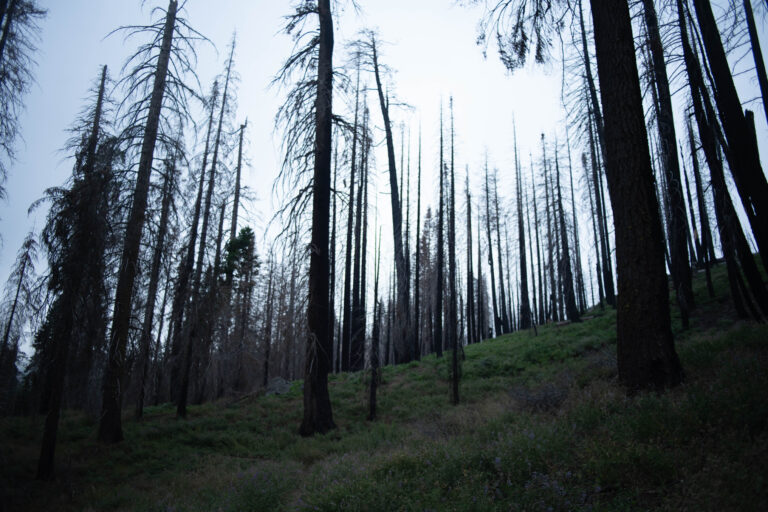
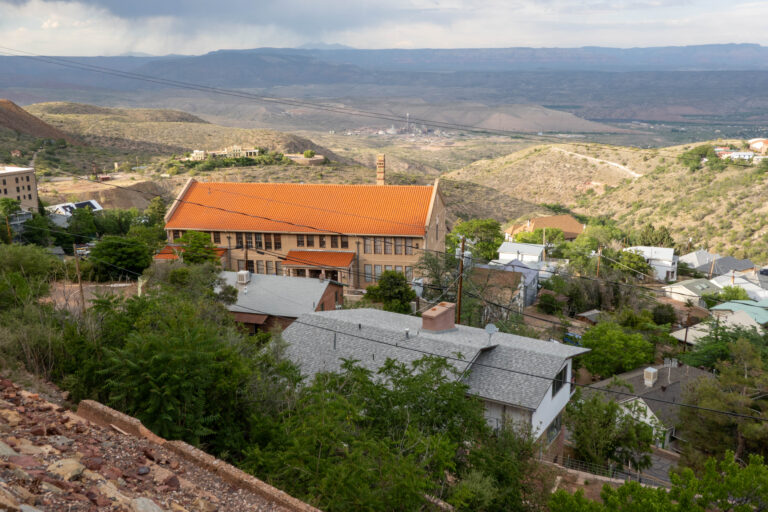
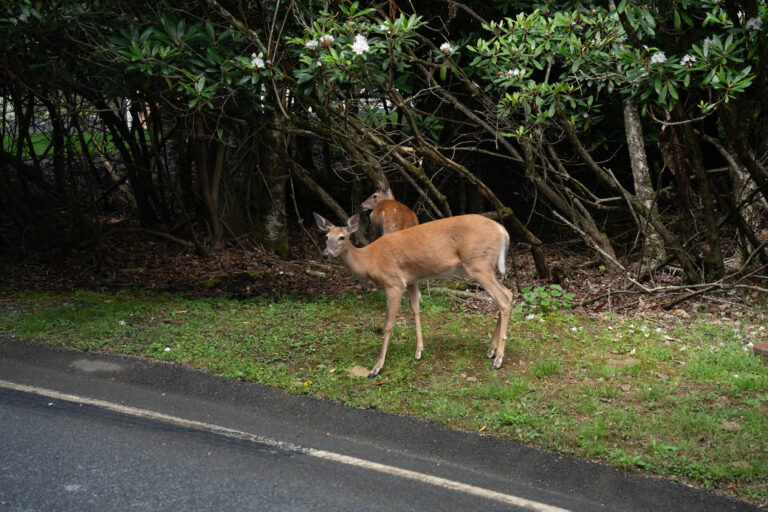
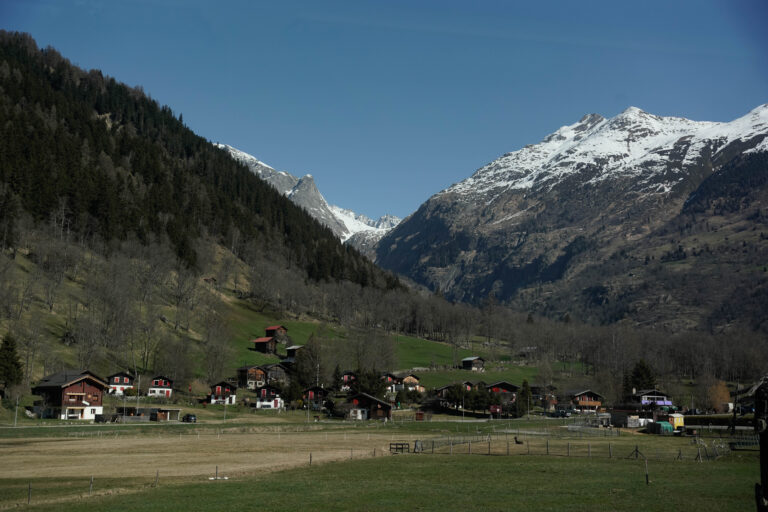
Places — worth the drive
All places
Activities
Trips by activity
All activities →
Hiking
Onion Valley, Kearsarge Pass, and Mt. Gould
Aug 2025
Overlanding
Big Sur, Pinnacles, and Santa Cruz
Jul 2024
Skiing
SoCal powder before Easter
Mar 2024
Backpacking
Sawtooth Gap
Aug 2026
Cycling
Mountain biking in Texas
Aug 2026
Canyoneering
Eocene Canyon
Mar 2026
Hiking
Beech Mountain after the hurricane
Jul 2025
Overlanding
Kernville over Jawbone
Sep 2023
Skiing
Jackson Hole is fast
Feb 2024
Backpacking
Grand Canyon again, this time to a cabin
May 2024
Cycling
Mountain biking in Southern California
Aug 2026
Canyoneering
2025 Uberfest
Dec 2025
Overlanding
Coyote Canyon with the Bronco
Mar 2023
Skiing
April Fools in a cowboy fit at Mammoth
Apr 2023
Backpacking
Beech Mountain and the Appalachian Trail
Jul 2023
Cycling
Palisades fire views from the bike
Aug 2025
Canyoneering
Lytle Creek: redemption run
Jul 2025
Hiking
Sedona on the way to the canyon
May 2024
Overlanding
Idyllwild 4×4 with Sean
Jul 2022
Skiing
Niseko powder
Jan 2023
Backpacking
Mt. Muah, just an overnight
Oct 2022
Cycling
A cyclocross day at Lake Casitas
Dec 2023
Canyoneering
Uberfest: canyoneering Death Valley
Dec 2023
Builds
Projects & Reviews
View all →
Build
Lightweight tool roll build.
Install
4Runner skid plate setup overview.
Review
Field battery health check and labeling.
Gear
Tripod tune-up and cleaning.
Build
RCX pannier bar welding + fitment.
Install
Lensun hood solar panel installation.
Review
Times Jong UV gear test.
Gear
Fastener inventory + bin sorting.
Beta
Latest conditions
Full log →
Aug 1, 2026 — latest report
Mammoth — Sherwins
Dust deep on the lower traverse, tacky above 9,000 ft after Tuesday's cell.
29Jul 2026
Bishop Creek — South Fork
Flow down off peak, crossings knee deep by afternoon.
26Jul 2026
Lytle Creek — Middle Fork
Water low and warm; the third rappel is a scramble right now.
22Jul 2026
Kearsarge Pass
Snow gone from the switchbacks; one lingering patch on the north side.
19Jul 2026
Big Bear — Skyline
Hero dirt on the upper half, braking bumps everywhere below the fire road.
15Jul 2026
San Gabriels — Mt. Baldy Bowl
Trail dry to the hut; ice gone, loose scree on the upper bowl.